
Vimdow
Move and resize Mac windows with Vim commands.
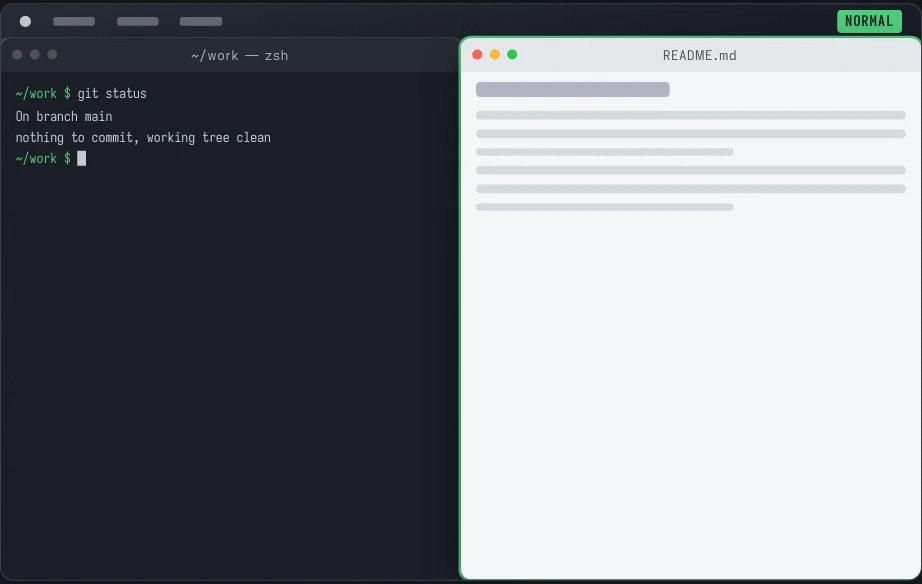
Window management from the home row
Control–Option–A enters command mode. The h, j, k, and l keys move the focused window, a count repeats the movement, and Option or Shift resizes from either corner. Type zz to centre the window, u to undo the move, or Escape to go back to typing in the app.
From a personal shortcut to a Mac app
I wrote the original Objective-C version in 2013 to put a habit I had learned in Vim to work across the desktop. In 2026 I rewrote it in Swift 6 around a tested command engine. The signed and notarized app can also open applications by name and dim the displays around the window I am using.
Features
- Move, resize, snap to halves, fill the display, or send a window to the next display, with per-window undo and redo.
- Numbered window selection, marks that survive Spaces, and application-name search.
- Eased glides that end exactly where the steps put the window; Reduce Motion is respected.
- Settings for steps, animation, display edges, and the global shortcuts.