Mouton Journal
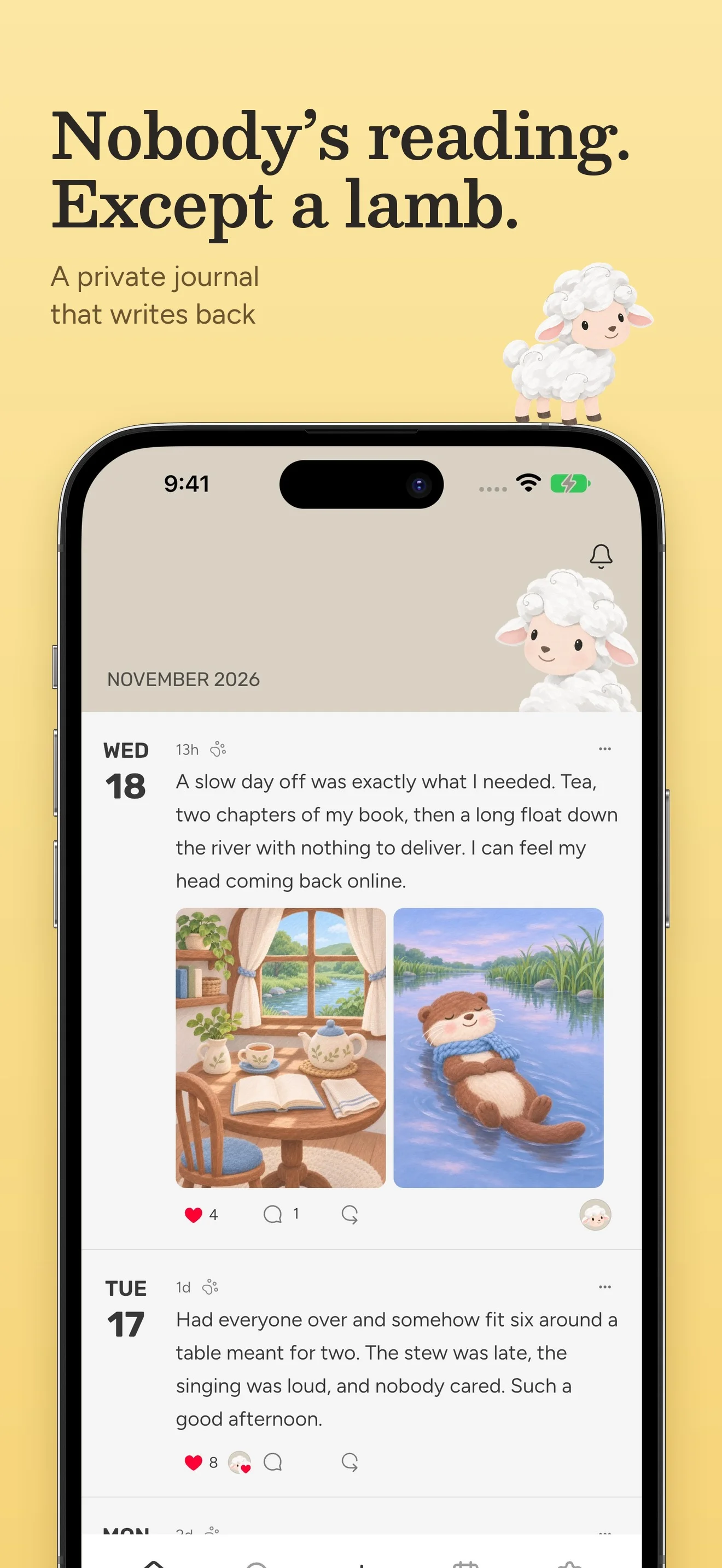
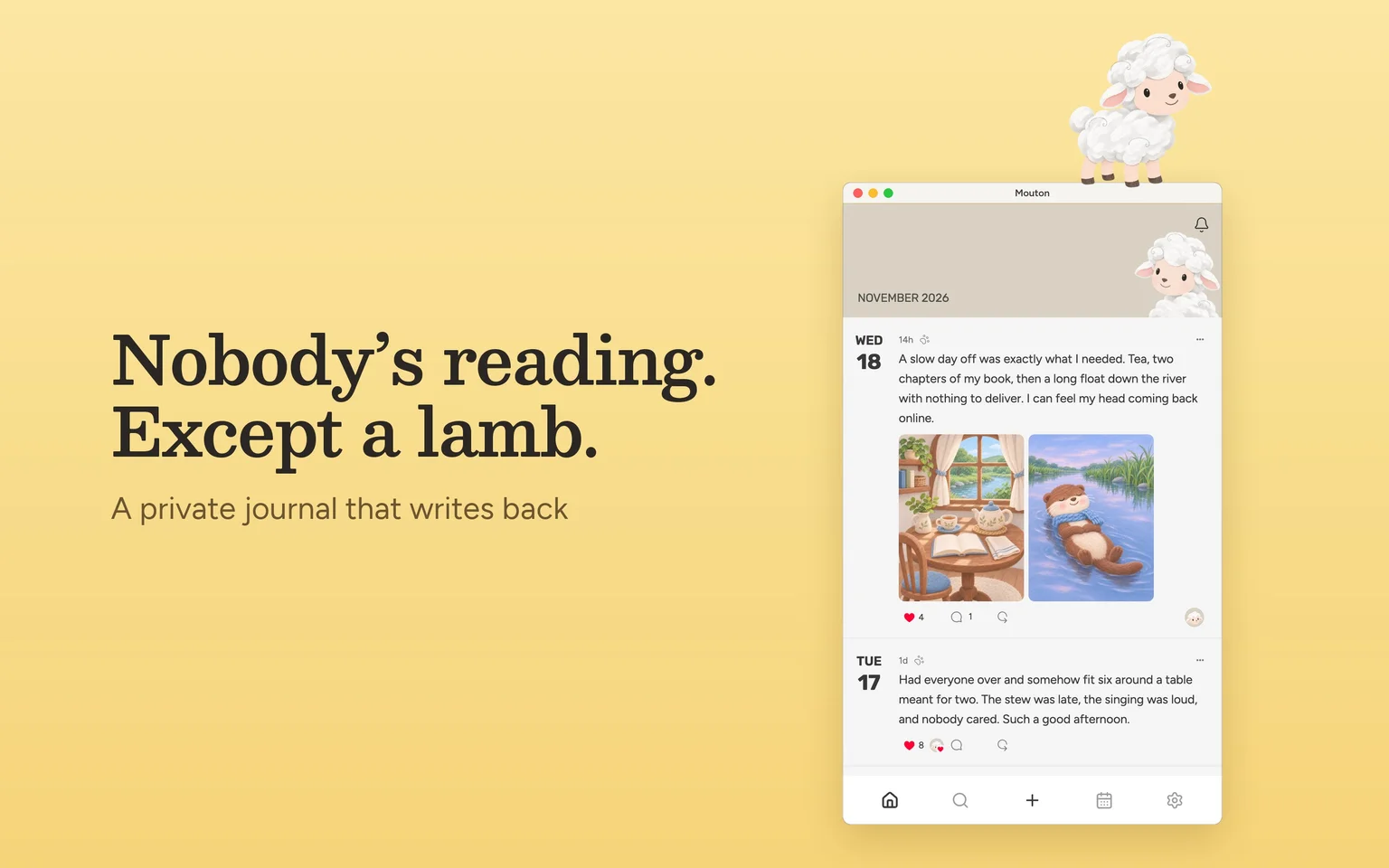
A private diary where a little lamb reads along, leaves likes, and writes back.

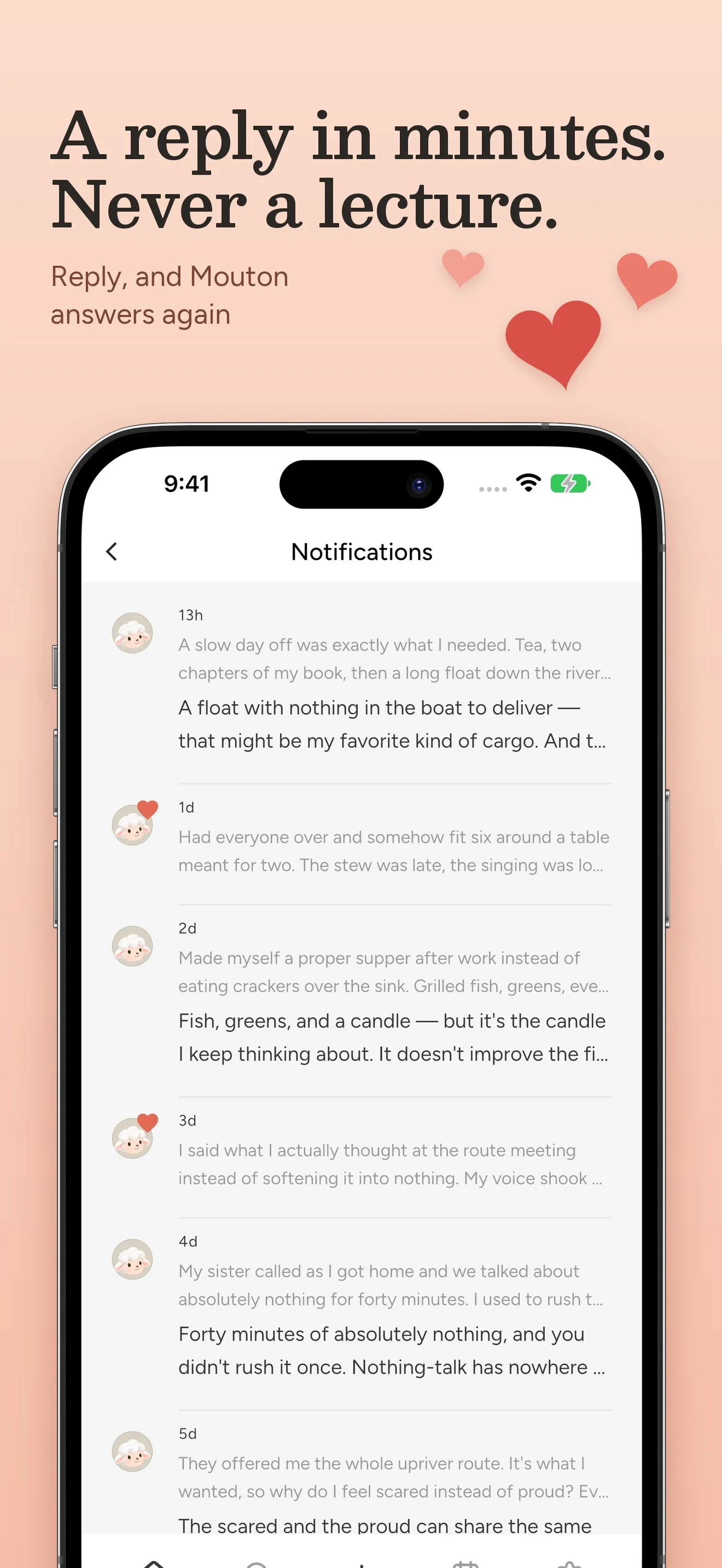
“spilled coffee on my notes. again.”
“Coffee on the notes just means the notes were being read. Twice, even.”
Writing with Mouton
An entry can be a few words, a photo, a short video, or a Live Photo. A few minutes later Mouton might leave a like or a reply, written by an AI in the lamb’s voice. You can answer underneath and keep the conversation going. Tap the paw to lock an entry when you want to keep it to yourself.
Finding a day again
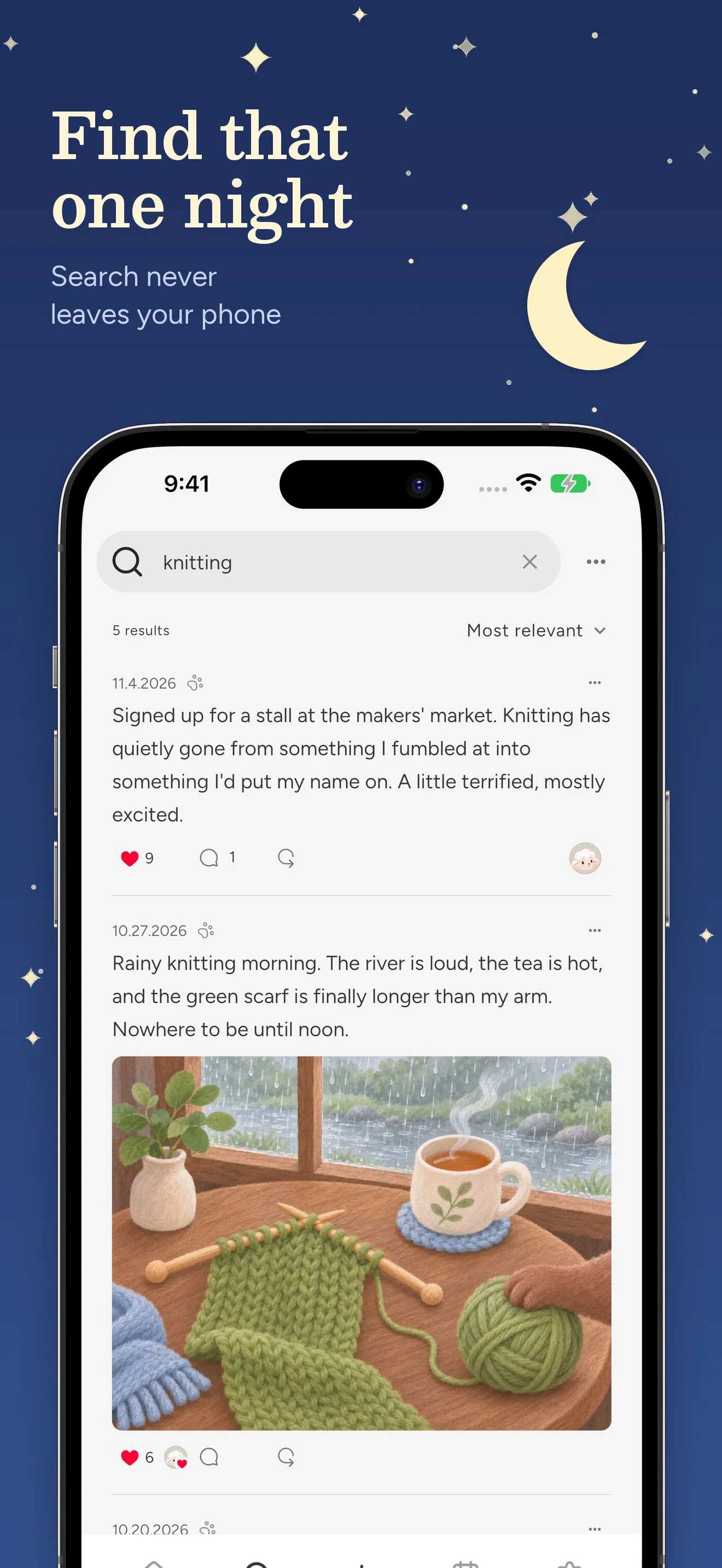
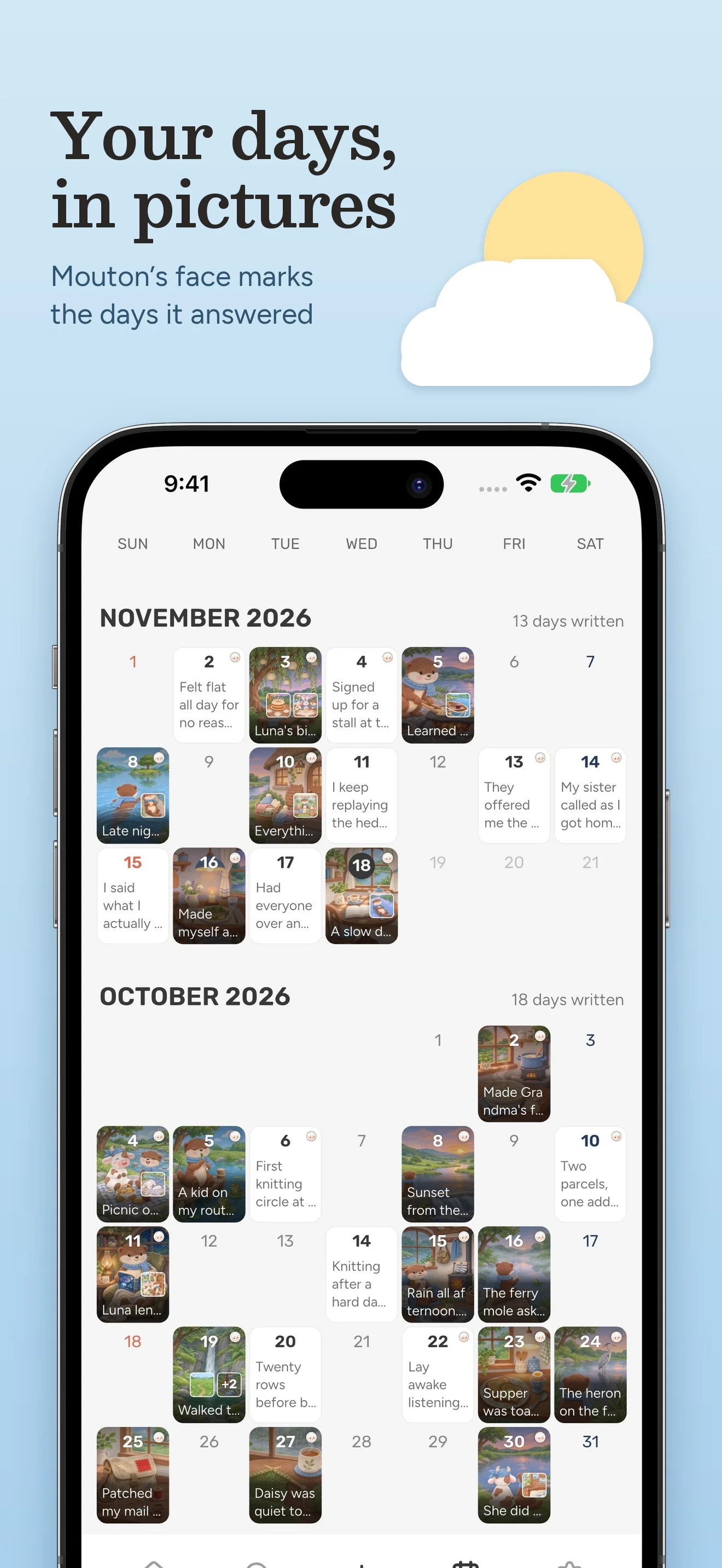
Each day on the calendar shows a photo or the first words you wrote. Tap it to read the entry or fill in a day you missed. Search ranks entries and replies on the device, with downloadable language packs for Korean, Japanese, and Chinese. You can also quote an old entry in a new one and follow that thread in either direction.
What Mouton remembers
The journal lives in SQLite on your device. Encrypted records sync through your private iCloud database. For a reply, the app sends the unlocked entry, relevant context, and small frames of its media. The server discards the request after generating the reply. It remembers entries it liked or answered for 30 days from the date they were written, and keeps short notes in Mouton’s own words while your account is open.
An independent app
I started Mouton in January 2025 and released it that March. I design the app, build the Flutter and Swift clients, and run the Rust service that delivers replies and reminders. I also make the App Store previews and maintain the website in nine languages. Writing is free. The first three replies are included, and Mouton Pro funds the continuing conversation.
Features
- Add up to five attachments to an entry. Links unfold into previews, and a long press plays a Live Photo.
- The iPad layout keeps the calendar and entries in view together. On an Apple silicon Mac, use keyboard shortcuts and add photos from a file, the clipboard, or a drop on the window.
- Export a searchable PDF, back up the journal in a single file, or recover an entry from Recently Deleted for 30 days.
- StoreKit recognises the Apple Account used for the download. Open the app and start writing.
Screenshots